Inventory flow
Every movement — receipt, pick, sale, damage, recipe deduction — lands on one live ledger with FEFO batch queues.
 KhumoHub Ops
KhumoHub Ops turns inventory flow into a live picture: stock tracking, order pipelines and real-time logistics insight for operations, supply and retail performance monitoring — on one clean, responsive dashboard.

Four pillars, one ledger. Clear blocks, strong hierarchy, minimal noise — alerts are visible without shouting, and key actions stay one click away.
Every movement — receipt, pick, sale, damage, recipe deduction — lands on one live ledger with FEFO batch queues.
Suggested orders become requisitions, requisitions convert to POs, and POs reach suppliers by WhatsApp, email or B2B link.
Margins, basket size, shrinkage and per-till variance tracked against targets, drillable down to the transaction.
Drawer thresholds, safe drops, supervisor overrides and a silent security log keep the money side auditable.
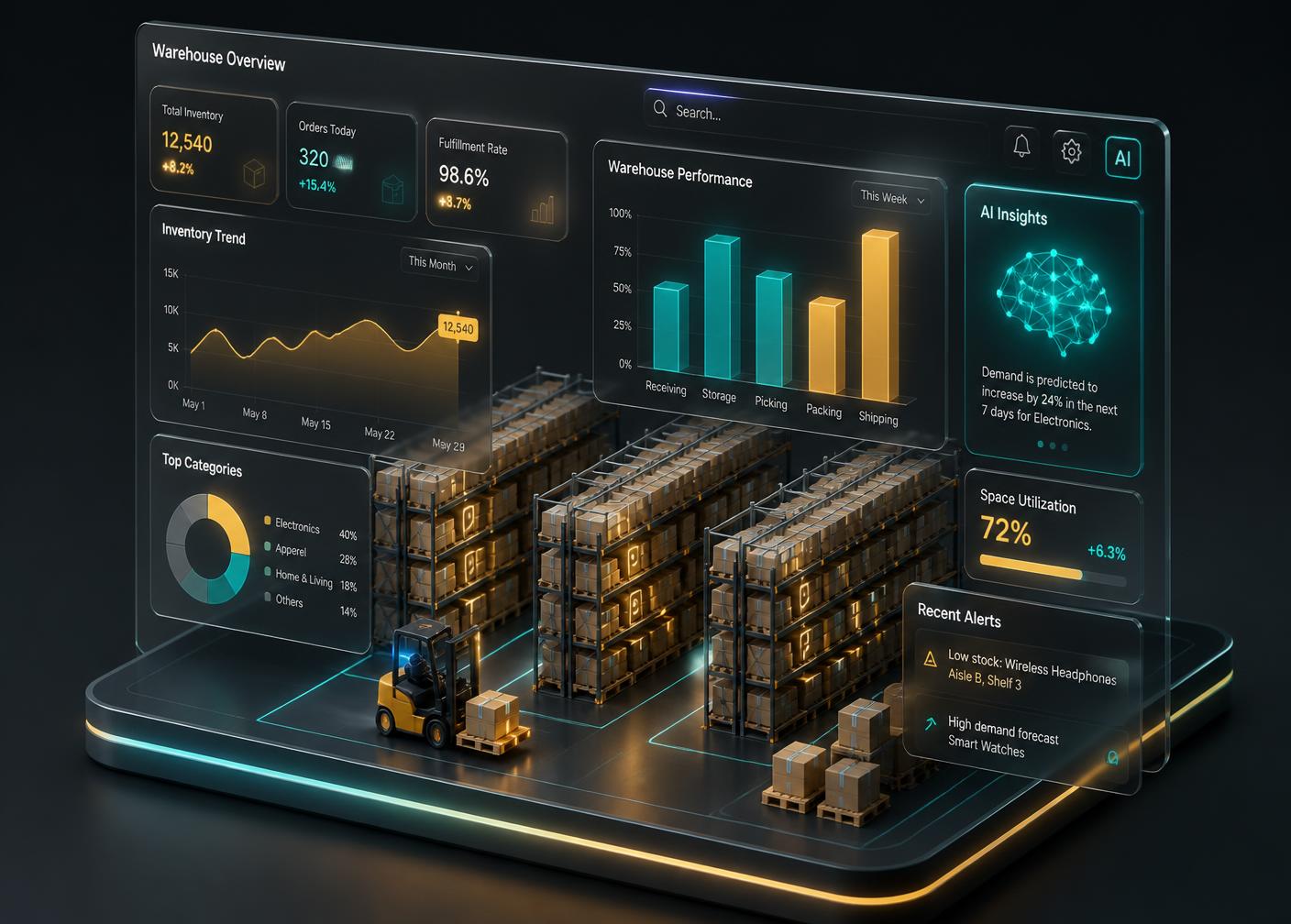
Movement data feeds an analytics layer that forecasts demand, watches variance and surfaces the two or three decisions that actually matter today.
We review your product, audience and the main goal of the page.
Sections and content hierarchy are defined.
Layouts are created before visual design begins.
Final UI is designed with clear hierarchy and interaction cues.
Responsive desktop layouts, tokens and components handed over.
One till, 50 SKUs, core POS and stock.
Built for local community retailers.
Multi-branch operations and fleet.
Group buying, franchise controls.
Yes, once the app has loaded — open it while you have signal and it'll keep selling and queuing sales through a dropout, syncing the moment the network returns. A completely cold start with zero connectivity (e.g. after restarting the device with no signal at all) needs one brief connection first.
KhumoHub pairs with GK, Kazang, Yoco and universal printers (Epson, Star, Bixolon, Zebra) plus scanners and biometric readers.
Email and password sign-in, with an optional 4–6 digit device PIN as quick unlock. Access is restricted to Owner, Admin and Manager roles.